


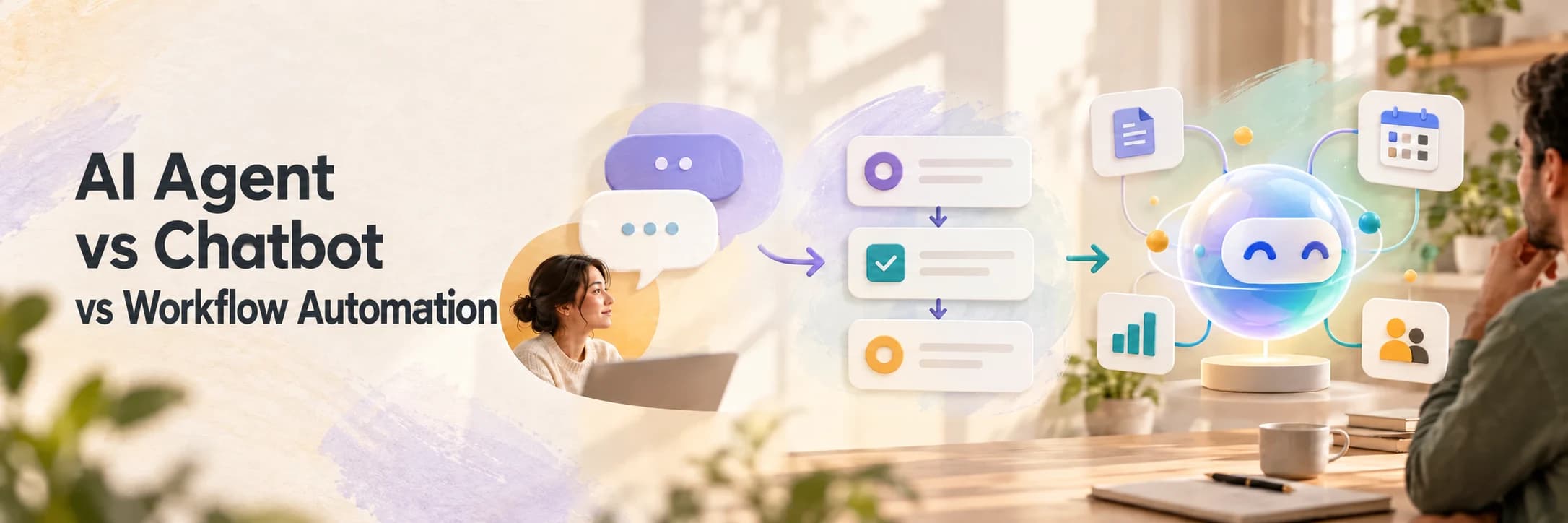
Businesses are asking for AI agents when what they really need is often a better workflow.
That is not a criticism. The words are being used so loosely that a website chat box, a rule that sends an email and a system that can plan several actions are all being sold as an “AI solution”. They are not the same thing. They require different data, different safeguards and different budgets.
The right question is not “Should we use an AI agent?” It is “Where is work getting stuck, and what is the simplest system that can move it forward reliably?” If you want a plain-language introduction to the concept itself, read what an AI agent actually is before comparing implementation options.
The practical choice is usually smaller than the first AI idea.
The short answer
A chatbot is best when people need answers through a conversation. A workflow automation is best when a known trigger should start a known sequence. An AI agent is best when a system needs to interpret a goal, choose between approved actions and work across several tools.
An AI assistant sits between these categories. It may search internal information, summarise a document or draft a response, but a person normally decides what happens next.
| Type | Primary job | Best starting use | Typical risk |
|---|---|---|---|
| Chatbot | Answer questions in a conversation | FAQs, support triage and service information | Confident but incorrect answers |
| AI assistant | Help a person find, draft or summarise | Meeting notes, document search and reply drafts | People trusting an unverified output |
| Workflow automation | Run a defined sequence after a trigger | Lead routing, reminders and status updates | Bad rules repeating at scale |
| AI agent | Work toward a goal across approved tools | Lead qualification, case research and multi-step operations | Unexpected actions or unclear accountability |
The differences matter because automation is not a single purchase. It is a decision about how much judgement to give a system, what it may access and when a person must take over.
Why this decision matters now
AI is moving from experimentation into ordinary business software, but the market is still early enough for careful design to create an advantage.
McKinsey’s 2025 global survey found that 88% of respondents said their organisations regularly use AI in at least one business function. The same research found that 62% were at least experimenting with AI agents, while only 23% said they were scaling an agentic AI system somewhere in the organisation. That gap is important. Interest is widespread, but a working pilot is not the same as a dependable operating process.
Microsoft’s 2026 Work Trend Index reported 15x year-over-year growth in active agents in the Microsoft 365 ecosystem. The report is a useful signal about the direction of the market, not proof that every business needs an autonomous agent. The value still depends on the process underneath it, the quality of the data and the controls around the actions.
The practical lesson is simple: start with the work, not the label.
What a chatbot actually does
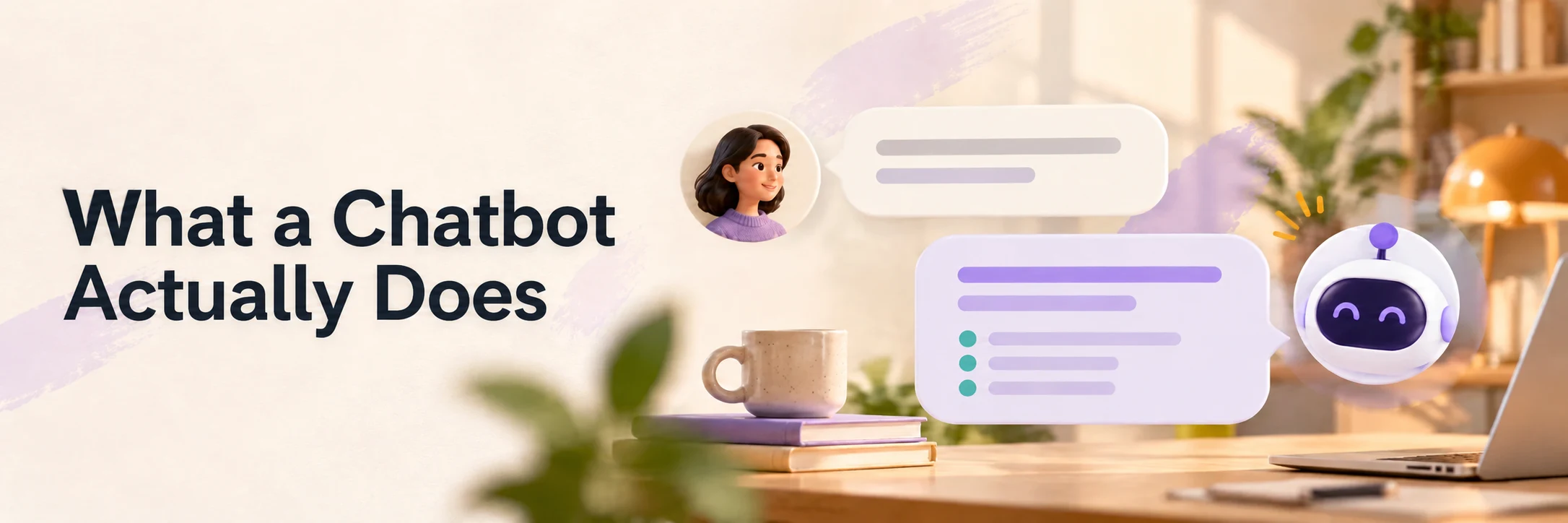
A chatbot receives a message, interprets it and returns a response. It can be a useful front door for a business because many customers want an answer before they are ready to speak to someone.
For example, a chatbot for a software company might answer:
- Which services do you provide?
- Do you work with startups?
- How long does a typical project take?
- How can I request a consultation?
That is a good fit when the information is stable, the questions are reasonably predictable and the cost of a wrong answer is limited. The bot can also collect contact details, identify the broad topic and hand the conversation to a person.
A chatbot becomes a poor fit when the customer expects it to complete a complicated process, make a high-stakes judgement or access information it cannot reliably verify. A long conversation does not turn a chatbot into an agent. The important question is whether it can take controlled actions toward an outcome. The distinction is explained in more detail in our guide to AI agents, assistants and workflows.
When a chatbot is the right choice
Choose a chatbot when:
- The main need is immediate answers.
- Most questions can be answered from approved content.
- The conversation should end with information, a booking request or a handoff.
- The business wants to reduce repetitive first-line support.
Keep the first version narrow. A bot that answers 30 important questions accurately is more useful than one that claims to know everything and regularly sends people in the wrong direction.
What workflow automation does
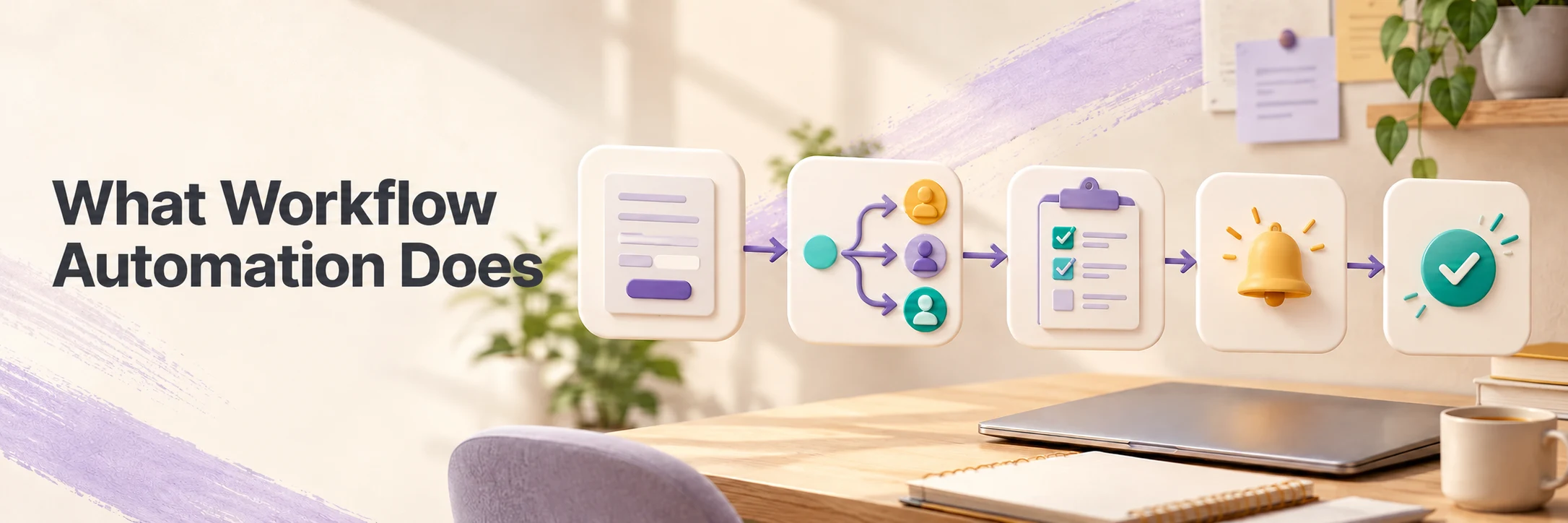
Workflow automation follows a defined path. Something happens, rules are checked, and the system performs one or more actions.
Consider a new enquiry from a website:
- The form submission triggers the workflow.
- The enquiry is added to the CRM.
- The right team member is assigned based on service and location.
- A confirmation email is sent.
- A reminder is created if nobody updates the enquiry within one business day.
There may be no AI in this process at all. If the fields are structured and the decisions are predictable, ordinary business automation is often the better option. It is easier to test, easier to explain and usually cheaper to run.
AI can still be added where the input is unstructured. It might classify a free-text enquiry, extract a deadline from an email or suggest a priority. The surrounding process can remain deterministic, with a person reviewing the suggestion before anything important changes.
When workflow automation is the right choice
Choose workflow automation when:
- The trigger and next steps are known in advance.
- The same process happens often enough to justify the setup.
- Rules can describe the important decisions.
- Reliability and auditability matter more than flexibility.
This is the right starting point for many small and mid-sized businesses. There is no prize for adding an autonomous decision-maker to a process that could be handled by three clear rules. For help organising leads, reminders and follow-ups, see our CRM and business automation service.
What makes an AI agent different
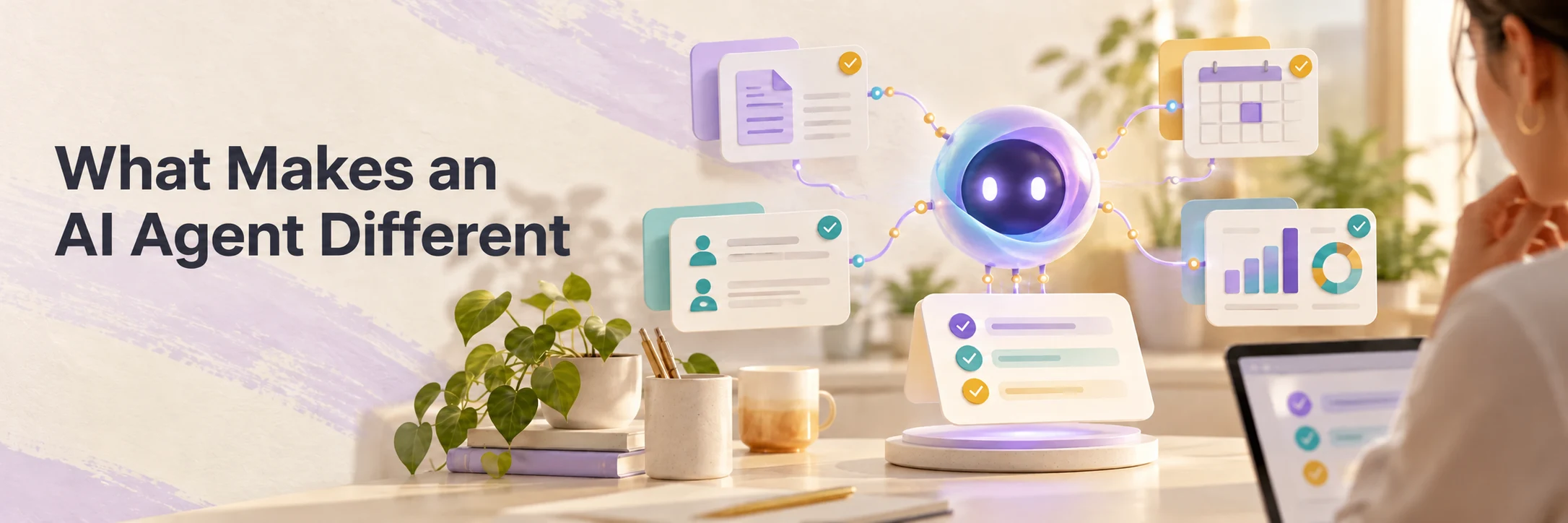
An AI agent is given a goal, context, available tools and boundaries. It can decide which approved step to take next rather than following exactly one fixed sequence.
Imagine a sales enquiry that says:
“We run three retail locations and need a system to compare supplier prices, track stock and send weekly reports. Can you help us understand what is possible?”
A simple workflow can route that message to sales. A chatbot can explain the company’s services. An agent could do more, if it had the right connections and permissions:
- Read and summarise the enquiry.
- Identify the likely service area and missing information.
- Check whether the organisation already exists in the CRM.
- Find relevant previous conversations or approved case studies.
- Draft a response and suggest the next action.
- Create a task for a person, or send a low-risk reply if the rules allow it.
The agent is not valuable because it can produce a long answer. It is valuable because it can coordinate several steps while keeping the work attached to a business outcome.
An agent also needs more engineering than a chatbot. It needs tool permissions, error handling, a way to recover from a failed action, logs, evaluation cases and a clear escalation path. If the system can change a record, contact a customer or approve a transaction, those actions should be treated as business permissions, not as a side effect of a prompt.
A practical example: lead follow-up
Suppose a consultancy receives 200 enquiries a month. The team spends time reading each message, checking for duplicate contacts, deciding who should respond and writing a first reply. The business wants faster response times without making every response sound generic.
There are several possible solutions.
| Need | Useful solution | What it would do |
|---|---|---|
| Visitors have repeated questions before submitting a form | Chatbot | Answer service and process questions, then offer a contact route |
| Every form needs the same acknowledgement and assignment | Workflow automation | Create the CRM record, assign an owner and send a confirmation |
| Messages vary and need interpretation before routing | AI-assisted workflow | Classify the enquiry, extract details and ask a person to approve the route |
| Follow-up involves research, selection and several approved actions | AI agent | Review context, choose the next allowed step and prepare the work for a salesperson |
The sensible first release is probably not a fully autonomous sales agent. It is a workflow with an AI classification step, a CRM check and a human approval queue. The company can measure whether classification is accurate, whether response time improves and whether staff spend less time on administration. If the evidence is good, low-risk parts of the process can later be automated. This is the same focused approach we recommend when scoping a software MVP: prove one useful loop before expanding the system.
This staged approach also protects the customer experience. High-value deals, complaints, unusual requests and messages with missing context should go to a person automatically.
How to choose your first use case
Use these questions before choosing a technology.
1. Is the problem a question, a sequence or a goal?
If people need answers, begin with a chatbot or searchable knowledge assistant. If a known event should start a known sequence, begin with workflow automation. If the work requires interpretation and choices across several tools, investigate an agent.
2. How much variation is in the input?
Structured forms, fixed statuses and standard fields favour rules. Emails, documents and natural-language requests may benefit from AI. Variation alone does not justify an agent. The business still needs to know what a good result looks like.
3. What is the cost of a mistake?
An incorrect answer about office hours is inconvenient. An incorrect refund, medical instruction, financial decision or contract change can be serious. As the consequences rise, reduce autonomy, increase review and make the system’s reasoning and records easier to inspect.
NIST’s Generative AI Profile recommends considering additional human review, tracking, documentation and management oversight for generative AI systems. That is good operational advice even for a small business. Oversight is not something to add after launch when the system already has access to important work.
4. Can the result be measured?
Choose a use case with a baseline. Useful measures include:
- First-response time
- Hours spent on manual processing
- Classification or extraction accuracy
- Percentage of cases resolved without rework
- Escalation and correction rates
- Conversion, retention or revenue where relevant
Do not measure success only by the number of prompts, conversations or automated runs. Activity is not the same as value.
5. Does the business have the required data and permissions?
An agent cannot reliably work from scattered, outdated information. Before building, identify the system of record, the data it may read, the actions it may take and the person accountable for each decision. Clean access rules often create more value than a more ambitious model.
A sensible implementation path
Most businesses can reduce risk by moving through four stages.
Stage 1: Map the current work
Write down the trigger, inputs, decisions, tools, handoffs and final outcome. Include the exceptions. A process that looks simple on a whiteboard may depend on a person noticing an important detail that is not recorded anywhere.
Stage 2: Automate the predictable parts
Use rules for routing, notifications, permissions and status changes. This creates a reliable foundation and shows where human judgement is actually needed.
Stage 3: Add AI where language or judgement is the bottleneck
Use AI to classify, extract, summarise or draft. Keep the decision and approval with a person until the team has tested enough real examples.
Stage 4: Expand autonomy carefully
Allow automatic actions only when the outcome is measurable, reversible and low risk. Keep logs, sample the outputs, review failures and provide a simple way for a person to take over.
The best systems are usually less dramatic than the demos. They remove a queue, shorten a handoff or make important information available at the right moment. When several teams and tools are involved, product, automation and growth should be planned as one connected system, with clear ownership for each part.
Common mistakes to avoid
Starting with the technology
“We need an agent” is not a use case. Start with the work that is slow, repetitive, expensive or difficult to keep consistent.
Giving a model too much access too soon
An AI agent should not receive broad access simply because an integration makes it possible. Give it the smallest set of permissions required for the current stage.
Treating a draft as a finished action
A generated reply, extracted value or recommended priority is an output to evaluate. It is not automatically a fact or a decision.
Ignoring the handoff
Every customer-facing automation needs a clear route to a person. The handoff should include the conversation, the actions already taken and the reason for escalation.
Measuring novelty instead of outcomes
If the new system creates more checking, correction and confusion than it removes, it is not saving time. Stop, adjust the scope and test again.
The decision in one sentence
Choose a chatbot for conversations, workflow automation for predictable sequences, an AI assistant for human-led knowledge work and an AI agent for controlled, multi-step goals.
In practice, the strongest solution may combine them. A website chatbot can qualify a visitor, a workflow can create the record and an AI assistant can prepare the brief for a salesperson. An agent may become useful later, once the process and data are understood.
That is how Sujay Tech approaches AI and workflow automation: connect the technology to a real business process, start with a manageable level of autonomy and build the controls alongside the useful part. If you are deciding where AI could improve your operations, explore our AI and workflow automation services or start a conversation.
Frequently asked questions
1. Is an AI agent the same as a chatbot?
No. A chatbot mainly responds in a conversation. An agent works toward a goal, chooses among approved steps and can use connected tools. A product can contain both, but they are different capabilities.
2. Should a small business build an AI agent?
Only when a narrow, measurable process needs decisions across several tools. Many small businesses should begin with workflow automation or an AI-assisted workflow, then expand after they have reliable data and evidence of value.
3. What is the safest first AI use case?
Choose repetitive work with clear inputs, limited permissions, a measurable outcome and a human review step. Lead triage, document extraction, meeting follow-up and support classification are common starting points.
4. Does workflow automation need AI?
No. If the inputs and decisions are structured, rules are often more reliable and easier to maintain. AI is useful when the process contains language, documents or other information that rules cannot handle well.
5. How much does an AI agent cost?
There is no useful single price. Cost depends on the number of tools, data sources, permissions, review requirements, volume, monitoring and how much custom software is needed. A small pilot should define one workflow and its success measures before a larger build is estimated.